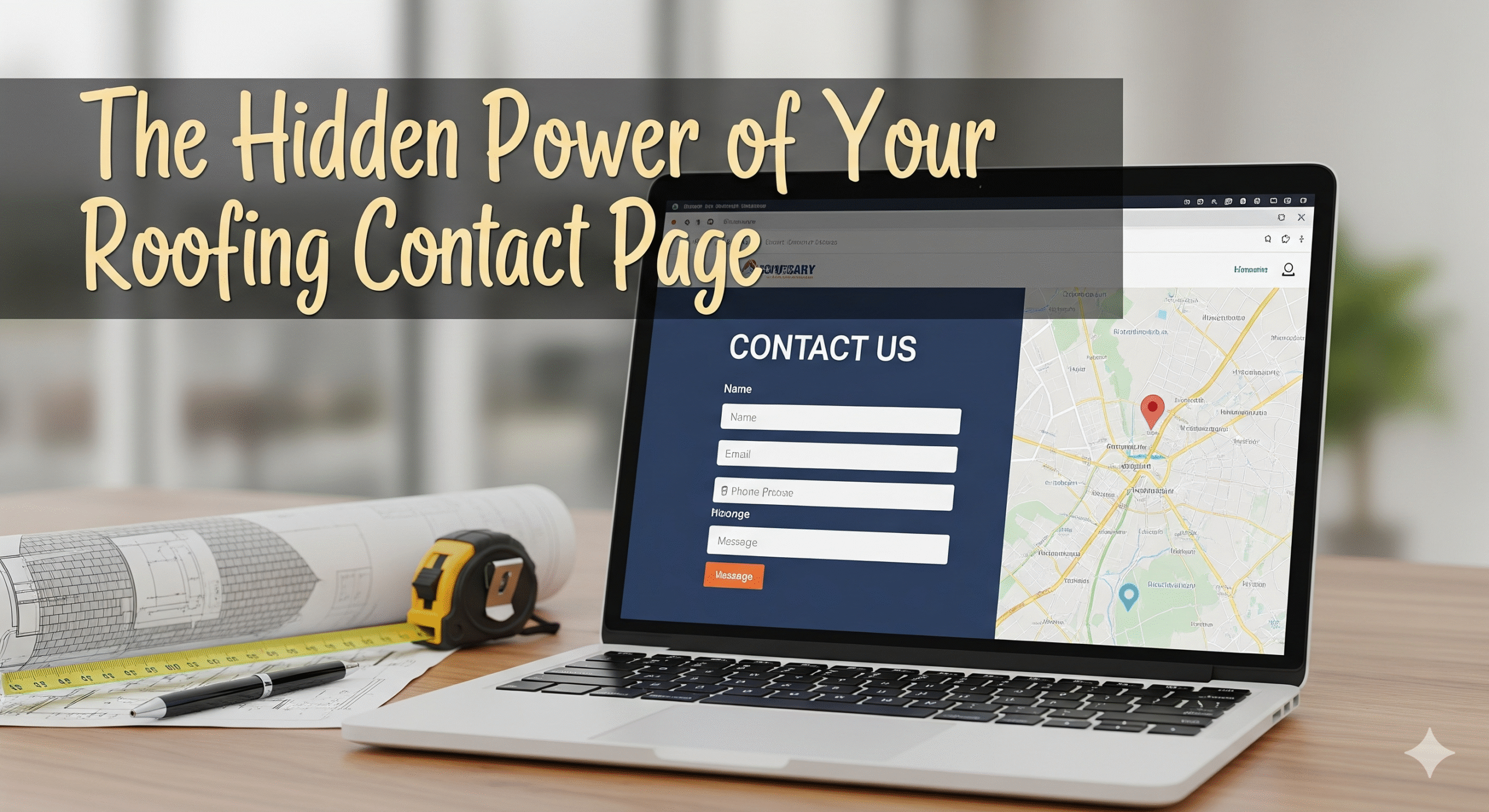

Many roofing companies focus on flashy gallery pages or detailed service descriptions—but the contact page is where decisions are made. Think of it as your digital handshake: it’s where trust is built, questions are answered, and quote requests are born. Yet, shockingly, so many contact pages feel sterile or confusing.
Let’s explore how to transform yours into a conversion powerhouse.
2. Long‑Tail Heading: Design the Contact Page Like a Conversation, Not a Form
People don’t want to feel like they’re filling out a form—they want to feel understood. Instead of “Contact Us,” make your heading: “Tell Us About Your Roofing Project—We’ll Get You a Quote Fast.”
Use friendly microcopy under the heading—e.g.:
“Whether it’s a small repair or full roof replacement, we’ll walk you through it and get back within 24 hours.”
This conversational tone sets you apart from stiff, generic contact pages.
3. Long‑Tail Heading: Use Strategic, Minimal Form Fields for Higher Conversions
Data is valuable—but too many fields kill conversions. Stick to:
- Name
- Email (or Phone—give both options)
- Address or Property Location (City/Zip)
- Brief description of the roofing need
If you must gather more info later, add it once you’ve established contact. For now, simplicity wins.
Add optional fields for “Upload a Photo” or “Preferred Contact Time,” clearly marked “optional.”
4. Long‑Tail Heading: Reinforce Trust with Real‑World Proof Immediately
Below your form, add a short testimonial or review snippet:
“Fast, friendly, and our roof looks incredible—got a quote within hours!” – Maria D., Riverside
Trust signals like this show visitors that others like them felt positive and acted quickly. Bonus: include a small, familiar logo (e.g. “A+ rating with BBB,” “Licensed & Insured, #12345”).
5. Long‑Tail Heading: Leverage a Clean, Responsive Layout for Every Device
Mobile now drives almost half of site traffic. Ensure your contact form:
- Loads quickly
- Stacks nicely on mobile screens
- Uses large, tappable buttons (“Request Your Roofing Quote →”)
Keep your button bright (e.g. deep blue against white) and mobile‑friendly.
6. Long‑Tail Heading: Add a Live Chat Prompt or “Need Help?” Prompt
Sometimes visitors want immediate reassurance. A small intercom-style bubble—“Questions? We’re online 9–6 M–F”—can increase engagement and reduce form abandonment.
Make sure it’s human-managed to avoid the dreaded “robot reply.”
7. Long‑Tail Heading: Inject Scarcity or Speed to Inspire Action
Add a simple line above the button: “Typical response time: under 2 hours (during business hours)” or “Free estimates for July—grab yours today!”
Time‑sensitive language gives people just the nudge they need.
8. Long‑Tail Heading: Clear Post‑Submission Experience Builds Trust
After someone submits, send them right to a confirmation page or overlay that says:
“Thanks! Your request is on its way—expect a personal response within 2 hours. Meanwhile...”
Then offer these helpful links:
- “Check out our latest customer roof transformations”
- “Read our blog: 5 tips to prep for your roof inspection”
This keeps them engaged—reducing bounce rates and building goodwill.
9. Long‑Tail Heading: Integrate Your Contact Page into Your Marketing Funnel
Track contact form submissions as goals in Google Analytics or your CRM. Tie them into your email workflows:
- 1 min after submission: “Thanks for reaching out—what’s one detail that matters most to you?”
- 1 day later (if no reply yet): “Hi again—just double-checking you didn’t miss our response!”
This warms leads toward conversion.
10. Real-World Example: How One Roofing Company Doubled Quote Requests
“Sunnyville Roofing” revamped their contact page by:
- Renaming “Send Message” to “Get My Free Estimate”
- Cutting fields from eight to four
- Adding a 3‑sentence testimonial below
- Promoting “response within 2 hours”
- Integrating a live‑chat bubble
Result: Quote requests jumped 110% in six weeks.
This shows the power of small tweaks with big impact.
Summary Table: Quick-Glance Contact Page Enhancements
| Tweak | Why It Works |
|---|---|
| Conversational heading & microcopy | Feels human, not robotic |
| Minimal, optional form fields | Reduces friction, boosts completion |
| Trust signals & testimonials | Builds liability and credibility |
| Mobile‑optimized layout & buttons | Essential for today’s mobile‑first users |
| Live‑chat prompt | Offers real‑time reassurance |
| Scarcity/threat approach | Creates urgency for visitors to act |
| Confirmation message + next steps | Keeps visitors engaged post-submission |
| Analytics tracking & follow‑up | Nurtures leads through the funnel |
Final Thoughts
Your roofing company has valuable expertise—but unless visitors can easily reach you and feel confident doing so, conversions will suffer. By humanizing your contact page, stripping away unnecessary friction, and backing it up with trust signals and follow‑through, you’ll shift your site from static brochure to active lead generator.
The roofing business can feel traditional—but your website doesn’t have to. With a few smart tweaks, your contact page can work harder, smarter, and drive more quote requests than ever before.