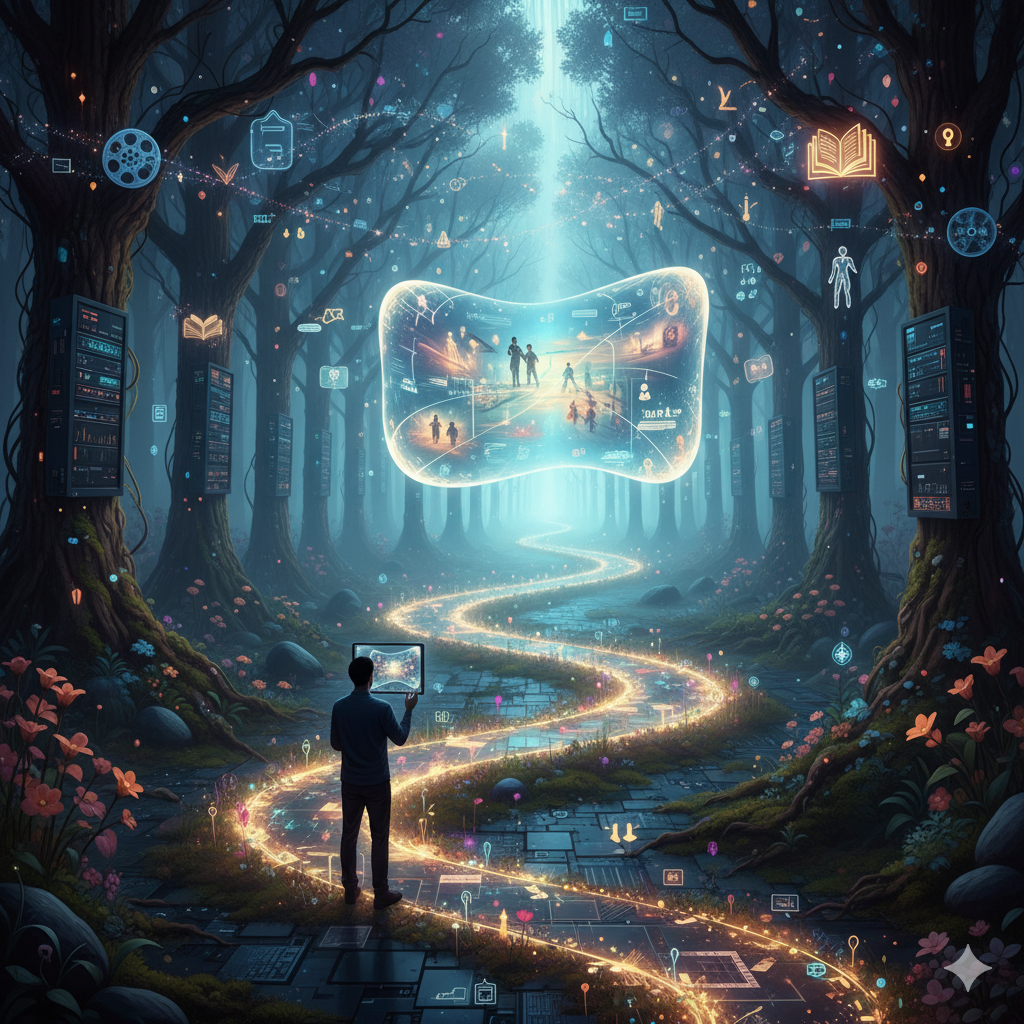

In an age where attention spans are short and competition for clicks is fierce, a website must do more than function. It must connect, engage, and resonate. That’s where visual storytelling through web design comes in: it’s the art of using visuals, layout, interaction and narrative flow to tell a meaningful story—not just present information.
Below, I’ll walk you through why visual storytelling matters, how to implement it effectively, and which tools and techniques separate great designs from merely good ones.
Why Visual Storytelling in Web Design Matters
Capturing attention in an instantaneous world
Visitors often decide within seconds whether to stay on your site—or click away. Using strong visuals, compelling structure and a sense of narrative purpose helps you draw them in. A static “wall of text” rarely holds, but a journey—where the visitor feels guided—makes them want to stay.
Building emotional connection & trust
When your website feels like a story rather than a brochure, you build connection. People are more likely to engage when they feel your brand or message resonates. Effective web design uses color, imagery, typography and layout to evoke emotion, establish tone, and establish trust.
Guiding users with narrative flow
Storytelling is about structure: a beginning (hook), middle (development) and end (call to action). Web design that mirrors that flow helps orient users, encourages exploration, and gently leads them toward desired outcomes—whether that’s signing up, purchasing, or simply deeper reading.
Differentiating your brand
In crowded markets, brands often compete on features or price alone—but distinct visual storytelling gives you an edge. It allows your brand’s personality to shine through, telling a story only you can tell, and creating memorable experiences that stand apart.
Key Principles of Visual Storytelling in Web Design
1. Define your narrative (start with story)
Before diving into colors and layouts, ask: What story is your website telling? Is it your brand history, a customer journey, a product evolution, a mission-driven narrative? Clarify your message and your audience’s journey through that story.
2. Visual hierarchy = narrative structure
Just like chapters in a book, your site layout should have a clear sequence. Use headings, sub-headings, visual breaks, and interactive elements to structure the user’s experience. Make clear what to focus on first, second, third.
3. Emotion through visuals
Images, illustrations, video backgrounds, micro-animations—they’re not just decorative. They convey tone, mood and emotional engagement. A warm photograph of user interactions evokes empathy; a bold graphic conveys modern confidence. Choose visuals that reflect your core message.
4. Cohesive style and branding
Consistency is vital. Your color palette, typography, iconography and imagery all must reinforce the story you're telling. A hotel brand might use soothing pastels and immersive photography; a tech startup might lean into dark mode and dynamic motion. Choose what aligns with your narrative.
5. Interaction and motion
Storytelling isn't static. Subtle transitions, scroll-based animations, micro-interactions: all bring the narrative to life. Use them to guide attention and reward interaction—but avoid over-doing it. Excessive motion distracts rather than enhances.
6. Responsive and performance-aware
Your story must work everywhere. Mobile, tablet, desktop: ensure your visuals load quickly, scale properly and maintain narrative flow. Slow site speed or broken layouts kill engagement before your story is told.
7. Clear call to action (your ending)
Every story has an end point. What should your user do after experiencing your site? Sign up, buy, explore, contact? Make that CTA clear, aligned with your narrative, and visually prominent.
Need Help With Your Marketing or Website?
Not getting enough leads or sales? Get a free consultation and discover how to improve your website and marketing.
- Find out what may be stopping visitors from contacting you
- Discover where your website or marketing could perform better
- Get clear recommendations to improve leads, calls, and conversions
Practical Techniques: Bringing the Story to Life
Use hero sections as narrative openers
Your homepage hero is the first chapter. A large image or video, headline that sets tone, sub-text that invites exploration. It sets expectations for your visitor’s journey.
Break the content into “scenes”
Just like a film, make sections that shift context: e.g., introduction → challenge → solution → results/testimonial. Use visuals and contrasting layouts to differentiate scenes and keep engagement high.
Incorporate real-world imagery or storytelling visuals
Customer photos, behind-the-scenes shots, human faces—these build authenticity. When visitors see relatable visuals instead of generic stock, they connect more deeply.
Use typography and whitespace intentionally
The right font and spacing amplify tone. A storytelling site may use larger headings, generous margin spaces, distinctive fonts. Contrast imagery with whitespace to let the story breathe.
Incorporate scroll-triggered animation
As the user scrolls, fade-in text, slide-in images, motion background: these enhance narrative flow by revealing content progressively. But ensure accessibility and performance.
Leverage color and overlays to evoke mood
Color isn’t just brand identity—it’s emotional tone. Warm golden overlay, cool blue tones, monochrome with accent color: each tells a different story. Use these to reinforce your underlying message.
Add interactive elements
Hover effects, clickable cards, micro-interactions (e.g., icon transforms when hovered) create delight and make users feel part of the story rather than passive observers.
Use testimonials or case studies as “plot resolution”
Stories end with resolution. Show how your product or service solved someone’s problem. Use visuals + quote + result metrics for a clean narrative conclusion.
Common Mistakes to Avoid
- Over-crowded pages: Too many competing visuals confuse the narrative.
- Generic stock images: They dilute authenticity and fail to connect emotionally.
- Ignoring mobile design: A story that collapses into a messy small screen is lost.
- Motion overload: Excessive animation → slow performance + distraction.
- Unclear call to action: If users don’t know what to do next, the story ends prematurely.
Measuring Success of Visual Storytelling
Engagement metrics
Look at time on page, scroll depth, bounce rate. If visitors scroll deeper and stay longer, your story is doing its job.
Conversion rates
Does the storytelling design lead to the desired action? Are sign-ups, purchases, or contacts increasing?
Qualitative feedback
Use usability tests, heatmaps, and interviews. Do users feel a connection, recall your brand story, or say they “got” your message?
Brand perception
Over time, measure brand sentiment: are people perceiving you as more authentic, distinctive, or memorable thanks to your site story?
Case Study: A Brands’ Story in Design
Imagine a startup that makes eco-friendly travel gear. Their website uses a hero video of a forest trek, headline: “Gear That Travels Light, Leaves No Trace”. Next section: “Our Roots”—an immersive image map of manufacturing in recycled factories. Then “Our Materials”—scroll-triggered layers showing recycled metal, vegan leather, and water-resistant fabric. “Meet the Adventurers”—customer portraits with quotes about trips saved and waste prevented. Finally: “Join the Movement” with CTA to shop or subscribe. The narrative flows: Hook → Problem → Solution → Community → Action. Each section is visually linked, emotionally resonant, and brand-consistent.
Tools & Resources for Web Designers
- Design prototyping: Figma, Adobe XD — for constructing story-based layouts.
- Animation & interaction: LottieFiles, CSS Scroll-Trigger libraries.
- Performance monitoring: Google PageSpeed Insights, WebPageTest — to ensure your visuals don’t slow down the narrative.
- Stock/hero visuals: Use authentic photography (e.g., photo-journalistic style) rather than generic.
- Accessibility checkers: Storytelling must remain inclusive—contrast, responsive typography, alt text are essential.
Best Practices Checklist Before Launch
- Define the story you want to tell—what’s the message and visitor journey?
- Choose a hero image or video that sets the tone immediately.
- Use a clear visual hierarchy: headings, subheadings, and visual cues.
- Use real, authentic visuals—not over-used stock.
- Ensure all interactive or motion elements are subtle and purposeful.
- Test mobile layout extensively; narrative should remain strong on all devices.
- Optimize image/video file sizes for performance.
- Add meaningful calls to action that align with the final chapter of your story.
- Monitor engagement metrics and iterate if visitors drop off early.
- Maintain consistency in branding: color, typography, tone across the site.
Final Thoughts
At its core, visual storytelling in web design is about putting the human experience front and center. Your audience isn’t just clicking—they’re looking for meaning, connection, and a reason to stay. When you design your website as a narrative journey—with emotion, structure, authenticity and action—you elevate it from mere presence to powerful experience.
Whether you’re redesigning your homepage, launching a new brand site, or revamping a landing page, keep the story in mind. Ask: What do we want them to feel? What do we want them to remember? What do we want them to do? Then align your visuals, layout, interactions and copy to those questions—and your website becomes more than a site. It becomes a story.