
When it comes to local search results, Google Maps plays a crucial role in helping businesses attract customers within their geographical reach. Whether you’re a local restaurant, a plumber, or a boutique shop, ranking higher on Google Maps can make a significant difference in your ability to gain new clients and grow your business. In this guide, we’ll walk you through the most effective techniques to enhance your visibility on Google Maps and outrank your competitors.
What is Google Maps Ranking and Why Does It Matter?
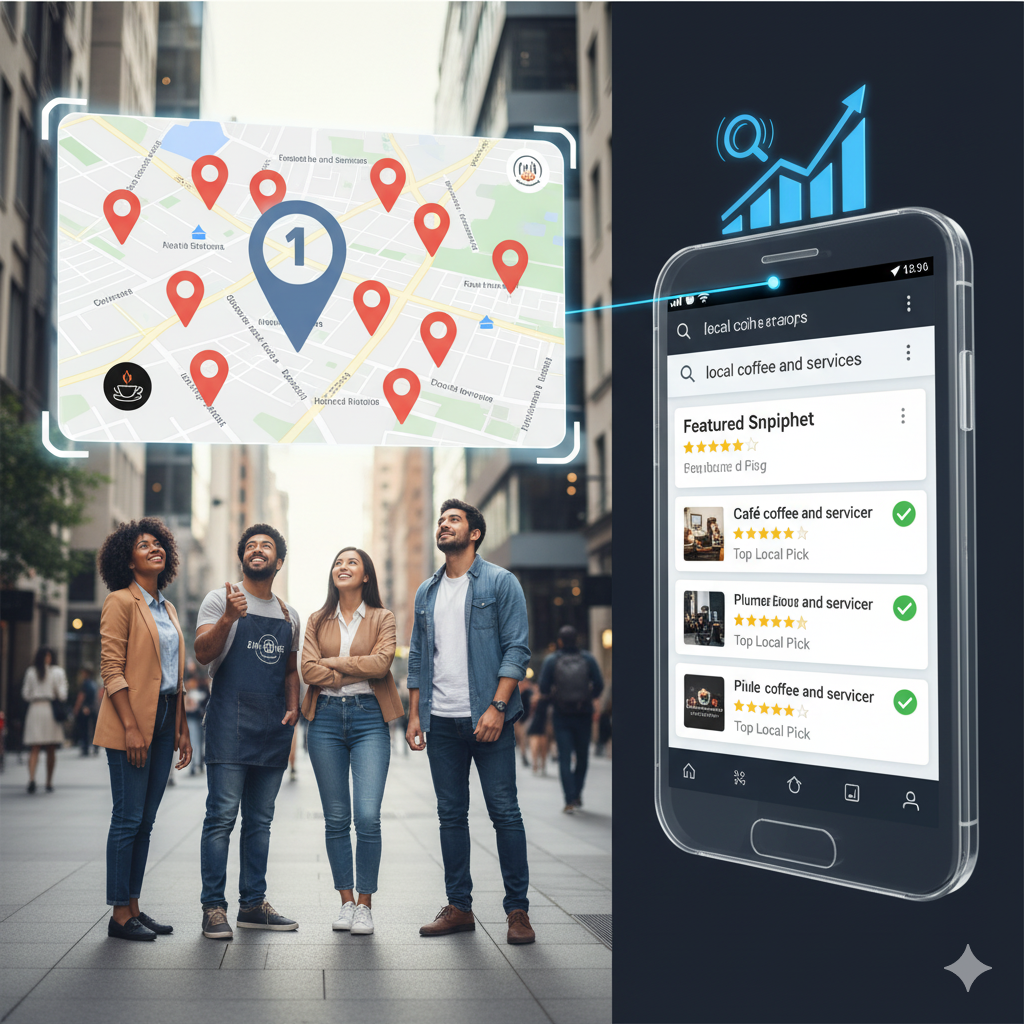
Google Maps ranking refers to the order in which businesses appear on the Google Maps search results for local queries. When potential customers search for services or products near them, businesses with better Google Maps rankings are more likely to show up at the top of the map results. This high visibility directly impacts your ability to attract foot traffic, phone calls, and website visits.
Getting listed on Google Maps is crucial for local SEO, especially considering that over 76% of people who search for something nearby visit a business within a day. Without a strong presence on Google Maps, your chances of driving local customers to your store or website can drop significantly.
Top Ranking Factors to Improve Your Google Maps Listing
To rank higher in Google Maps, you need to understand the key factors that influence the ranking algorithm. Here are the most important ranking signals to focus on:
1. Optimize Your Google Business Profile (GBP)
Your Google Business Profile (formerly Google My Business) is the backbone of your Google Maps presence. Without a complete and optimized profile, you’ll struggle to rank well.
How to Optimize Your GBP:
- Complete all sections: Include your business name, address, phone number (NAP), website, and operating hours.
- Select the correct business categories: Choose the most relevant categories for your business to ensure the right customers can find you.
- Write a compelling business description: Incorporate relevant keywords in your business description that customers might use when searching for services like yours.
- Add photos: High-quality images of your storefront, products, or services help build trust and improve your visibility.
2. Keep Your Business Information Consistent Across the Web
Google uses consistency across all online platforms to validate the credibility of your business. This includes having accurate and up-to-date information on your website, social media profiles, and third-party directories. Inconsistent data (like incorrect phone numbers or addresses) can confuse both customers and Google, affecting your rankings.
Tips for consistency:
- Ensure your Name, Address, and Phone number (NAP) are consistent everywhere online.
- Use tools like Moz Local or Yext to monitor and manage your business information across various listings.
3. Gather and Respond to Customer Reviews
Customer reviews are one of the most powerful ranking factors for Google Maps. Positive reviews not only boost your rankings but also build trust with potential customers.
How to leverage reviews:
- Encourage customers to leave reviews: Ask satisfied customers to leave reviews on your Google Business Profile.
- Respond to reviews: Take the time to respond to both positive and negative reviews. A good response shows potential customers that you care about feedback.
- Manage negative reviews: While you can’t always remove negative reviews, responding professionally and offering solutions can help mitigate their impact.
4. Use Localized Keywords in Your Profile and Content
Google Maps ranks businesses based on relevance, proximity, and prominence. To improve your relevance, make sure your business profile and website content include localized keywords that customers are likely to search for.
For example:
- "Best pizza in [Your City]"
- "Affordable plumbing services near [Your Area]"
- "Reliable auto repair in [City Name]"
Where to use localized keywords:
- Business description in your GBP
- Website title tags and meta descriptions
- Blog content or landing pages
- Social media bios and posts
5. Improve Your Website’s Local SEO
Your website is an extension of your Google Maps presence. A well-optimized website contributes to better Google Maps rankings. Here are some key areas to focus on:
- Mobile optimization: A responsive website ensures that users have a positive experience on all devices, especially smartphones.
- Create location-based landing pages: If you serve multiple areas, create a separate page for each location to target local search terms.
- Use local schema markup: Implement structured data (schema markup) to help Google understand your business information and location better.
6. Build Local Citations and Backlinks
Citations are mentions of your business name, address, and phone number on other websites. These citations help increase your business’s visibility and credibility in Google’s eyes. In addition to local directories, you can build backlinks by getting listed in local newspapers, event sites, or partnering with local influencers.
How to build citations and backlinks:
- Submit your business to reputable local directories: These could include platforms like Yelp, Yellow Pages, and local chamber of commerce websites.
- Get featured in local blogs and media outlets: Reach out to local bloggers or newspapers to get backlinks to your website.
7. Implement Google Posts on Your Business Profile
Google Posts allow you to share updates, promotions, or events directly on your Google Business Profile. These posts can engage customers and improve your visibility on Google Maps.
Types of posts to consider:
- Event announcements
- Special offers or discounts
- New product/service launches
Additional Tips to Boost Your Google Maps Ranking
- Create a Google My Business Website: If you don’t have a dedicated website, Google offers a free tool to build a basic site directly from your Google Business Profile.
- Add Service Areas: If you offer services outside your immediate location, define your service areas in your GBP settings.
- Use Google Q&A: Answer common customer questions directly on your Google Business Profile to show your expertise and engage potential customers.
- Leverage Social Media: While social signals don’t directly affect your Google Maps rankings, an active and engaged social media presence can drive traffic to your profile and increase your brand’s visibility.
Monitor and Track Your Progress
After implementing these strategies, it’s essential to track your performance and continue optimizing. Use tools like Google Analytics, Google Search Console, and Google My Business Insights to monitor how well your Google Maps listing is performing and identify areas for improvement.
Conclusion: Stay Ahead of the Competition
Ranking high on Google Maps doesn’t happen overnight. It requires a continuous effort to optimize your Google Business Profile, build local citations, gather positive reviews, and enhance your website’s local SEO. By following these strategies, you’ll not only improve your visibility but also attract more local customers who are actively searching for your services.
Remember, the key to success on Google Maps is consistency and engagement. Keep refining your tactics and stay ahead of the competition by making local SEO a priority.