
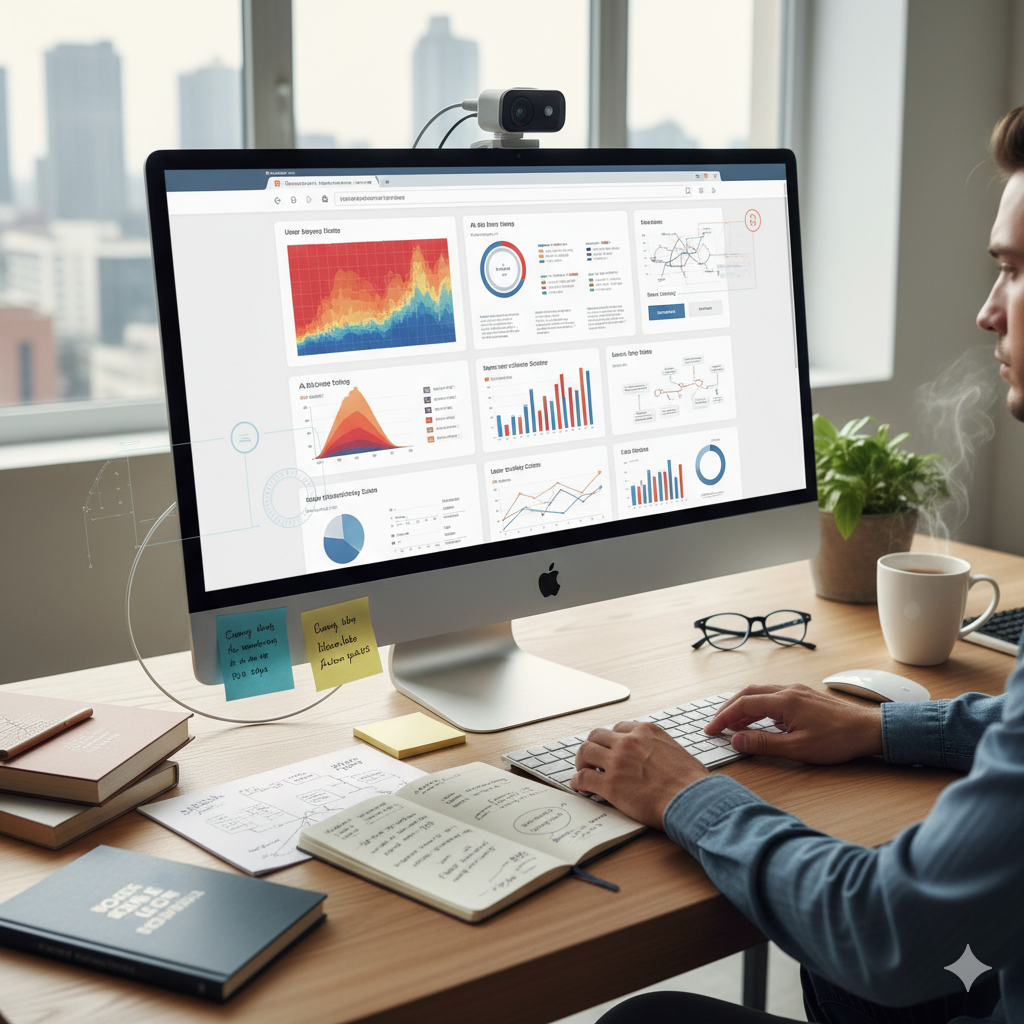

Websites aren’t built merely to look pretty. They are engineered to be used, understood, and acted upon. The most successful digital experiences combine artistry with rigour. In this deep dive, we’ll explore the science that underpins user-friendly website design, unpacking how human behaviour, cognition and perception shape the web experiences we favour—and how you can apply these insights to make your site more intuitive, engaging and effective.
1. Understanding User Behaviour: Why People Do What They Do
1.1 Where Attention Goes First
Eye-tracking studies consistently show visitors don’t read every word—they scan. For example, users frequently follow the so-called “F-pattern” on text-heavy pages: left side first, then across, then down. Gargle+2wombatcreative.co.uk+2 On more visually-rich layouts the “Z-pattern” may apply. Gargle Designing with these scanning habits in mind means placing your key content, calls to action (CTAs), and navigation where the eye naturally starts and moves.
1.2 Decision-Making, Cognitive Load and Simplicity
Every additional choice or visual distraction increases the cognitive load on your visitor. That means they’ll pause, hesitate—or leave. Analysts refer to this under concepts such as Hick’s Law and cognitive load theory. nopio.com+2woorank.com+2 To optimize for ease: minimise choices, streamline navigation, break long flows into steps, and make the journey feel effortless.
1.3 Emotion, Trust & Aesthetics
People don’t just behave rationally—they respond emotionally. One fascinating finding: designs that are perceived as more beautiful are often also perceived as easier to use, even if functionally identical. This is called the Aesthetic-Usability Effect. Medium+1 Furthermore, design cues such as colour, spacing, typography and layout influence trust and credibility—foundational elements for user-friendly experiences. esj.eastasouth-institute.com+1
2. The Key Design Principles That Make Websites Friendly
2.1 Visual Hierarchy & Gestalt Principles
Using size, colour, contrast and positioning you guide the user’s eye through the page in a deliberate path—rather than leaving it to chance. Principles like proximity, similarity, closure and continuity (from Gestalt psychology) help us design elements that feel cohesive and intuitive. siit.co+1
2.2 Clean, Minimal Layouts Reduce Bounce & Frustration
Studies show cluttered interfaces correlate strongly with higher bounce rates; conversely, clean layouts keep people engaged. EyeQuant – Data Driven Design Adequate white-space, clear separation of sections, and minimal distractions allow users to focus on what matters.
2.3 Navigation & Structure That Reflect How Users Think
Navigation should map to user expectations—not your technology. For example, the so-called “three-click rule” posits that users expect to find what they’re looking for within three clicks. Wikipedia While it’s not a hard rule, the logic is clear: make locating tasks and information easy. Also: use familiar metaphors (folders, cards, icons) so users feel instantly at home. Wikipedia
2.4 Mobile-First & Responsive Design
Because most users now browse on mobile or switch devices, designing with mobile in mind isn’t optional. Ensuring seamless layouts, readable typography, touch‐friendly buttons and fast load-times on small screens is critical. Orientation Marketing+1
2.5 Feedback, Micro-Interactions & User Control
Little cues matter: hover animations, progress bars, confirmations, error messages—all contribute to a feeling of control and keep users comfortable. These micro-interactions reduce anxiety and build trust. siit.co
Need Help With Your Marketing or Website?
Not getting enough leads or sales? Get a free consultation and discover how to improve your website and marketing.
- Find out what may be stopping visitors from contacting you
- Discover where your website or marketing could perform better
- Get clear recommendations to improve leads, calls, and conversions
3. Measuring What Matters: Usability, Performance & Behaviour
3.1 Usability Testing, Eye-Tracking & Metrics
Designing user-friendly sites isn’t guesswork. There are established methods: heuristic evaluation, System Usability Scale (SUS), and eye-tracking studies. ijsr.net+1 Metrics you’ll want to keep an eye on include bounce rate, time on page, completion rate for key flows (e.g., signup), mobile vs desktop retention, and conversion rate.
3.2 Speed, Accessibility & Trust = Engagement
Performance matters. A slow site, poor accessibility (for e.g., screen-reader users), or weak trust signals (missing social proof, unclear privacy) will all hurt the experience. Research shows usability has a positive effect on satisfaction and conversions, and trust amplifies that effect. esj.eastasouth-institute.com+1
3.3 Iteration Based on Data & Behaviour
Once live, the site should not be static. Use A/B testing and analytics data to refine your flows, layout, copy, and CTAs. Behavioral psychology can inform how you interpret that data—expect users to behave irrationally! woorank.com
4. Practical Steps: How to Make Your Website More User-Friendly
4.1 Define Your User’s Goals, Mindsets & Context
Start with: Who uses your site, why, on what device, in what context? Conduct simple user personas or quick interviews. Understand the tasks they want to complete and their pain-points. This foundational effort shapes every design decision.
4.2 Map Out the Journey & Design for Scan-Friendly Behaviour
Structure pages with user scanning in mind. Use headings, sub-headings, bullet lists. Place key CTAs in the primary path of the eye. The ‘F’ and ‘Z’ patterns discussed above apply. Ensure the most important info is “above the fold” or easy to locate without deep scrolling.
4.3 Simplify Navigation & Minimise Choice Overload
Keep your menu items limited and clear. If users are faced with too many options, their decision-making slows and frustration grows. Use a search bar if your site has many pages. Provide breadcrumbs or logical internal linking.
4.4 Apply Visual & Emotional Triggers Thoughtfully
Choose colors, typography and imagery not just for style, but for meaning. For example: trust-builders (blue hues, clean lines), urgency or action (warm contrasting colours). Maintain a consistent visual identity so users recognise and feel familiar.
4.5 Optimize for Mobile, Performance & Accessibility
Make sure your site responds fluidly on small screens. Use readable font sizes, touch-friendly buttons, and images optimized for web. Check page load time, compress assets, leverage caching. Also ensure accessibility: alt text for images, keyboard navigation, colour contrast.
4.6 Test, Gather Feedback & Iterate
Launch a version, gather user feedback (surveys, heatmaps, click maps), run A/B tests for key flows, monitor metrics like time on page, bounce, and conversions. Use the data to refine and adapt. User-friendly design is ongoing, not a “one-and-done”.
5. The Business Case: Why Investing in User-Friendly Design Pays Off
Research backs it up: websites that are usable boost customer satisfaction, loyalty, and conversions. esj.eastasouth-institute.com Clean, intuitive design reduces friction, which means fewer abandoned journeys and more successful outcomes. In short, a user-friendly site is not just good for users—it’s good for business.
6. Common Mistakes to Avoid
- Too much clutter: Overwhelming designs make people leave. EyeQuant – Data Driven Design
- Ignoring mobile users: If the mobile layout is poor, you lose a large portion of traffic.
- Navigation chaos: Unclear menu items or buried tasks frustrate users.
- Design without data: Relying on aesthetics only, without testing or measurement, leads to missed optimisation opportunities.
- Neglecting emotion & trust: Functional sites without emotional appeal or trust cues underperform.
✅ In Summary
User-friendly website design is a fusion of psychology, data and design craft. By understanding how users think, scan, decide and feel, you can build websites that not only look good, but work brilliantly. Focus on clarity, hierarchy, pace, trust and responsiveness. Continuously test, analyse and refine. When design aligns with the science, your visitors—and your business—win.


