
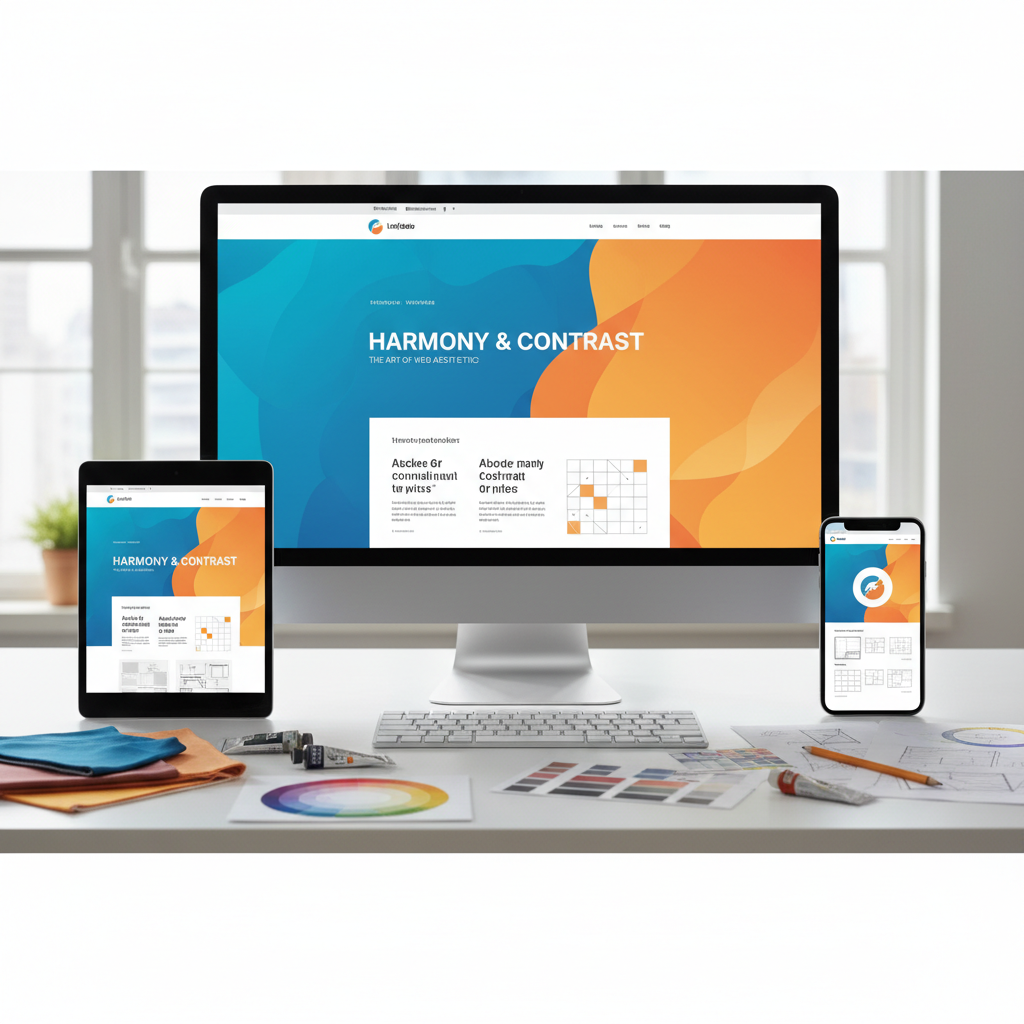

In today’s digital world, a website is more than just an online presence—it’s the face of your brand. The right color schemes and layout design can dramatically influence user engagement, conversions, and overall user experience. Yet, many businesses overlook the subtle psychology behind design elements, focusing solely on aesthetics rather than strategy.
This guide will show you how to effectively use color and layout in website design to create websites that are not only visually appealing but also highly functional and conversion-focused.
Understanding the Role of Color in Website Design
Color is more than decoration—it communicates emotions, sets the tone, and even impacts user behavior. According to color psychology, different colors trigger different feelings:
- Blue: Trust, professionalism, calmness
- Red: Excitement, urgency, energy
- Green: Growth, nature, balance
- Yellow: Optimism, attention-grabbing
- Purple: Luxury, creativity, sophistication
Why Color Matters for User Experience
The right color palette can make your website more readable and guide users toward key actions. For instance, a bright call-to-action (CTA) button in a contrasting color can increase click-through rates significantly. On the other hand, using clashing colors or too many bright hues can overwhelm visitors and reduce engagement.
How to Choose the Perfect Color Palette
- Understand Your Brand Personality: Align colors with your brand values.
- Use a Color Wheel: Identify complementary, analogous, or triadic color schemes.
- Consider Accessibility: Ensure sufficient contrast for readability, including for users with visual impairments.
- Limit Primary Colors: Stick to 2-3 primary colors and 1-2 accent colors for consistency.
Layout Design: The Backbone of User Engagement
While colors catch the eye, layout determines how users navigate your website. A clean, well-structured layout ensures users find what they need quickly and encourages interaction.
Key Principles of Effective Website Layouts
- Visual Hierarchy: Arrange content so users notice the most important elements first.
- White Space: Avoid clutter. Adequate spacing improves readability and focus.
- Consistency: Keep layout patterns consistent across pages for a smooth user experience.
- Grid Systems: Use a grid to align elements and maintain balance.
Popular Website Layout Styles
- F-Layout: Best for content-heavy websites like blogs and news portals.
- Z-Layout: Guides visitors’ eyes in a natural reading pattern for landing pages.
- Single Column: Mobile-friendly design with minimal distractions.
- Asymmetrical Layouts: Modern and visually dynamic, perfect for portfolios.
Need Help With Your Marketing or Website?
Not getting enough leads or sales? Get a free consultation and discover how to improve your website and marketing.
- Find out what may be stopping visitors from contacting you
- Discover where your website or marketing could perform better
- Get clear recommendations to improve leads, calls, and conversions
Combining Color and Layout for Maximum Impact
A great website seamlessly combines color and layout to guide visitors’ attention while evoking the desired emotion. Here’s how to do it effectively:
1. Use Color to Enhance Layout Flow
Strategically place colored elements to lead users through your page. For example, use contrasting colors for CTAs and important links to naturally draw attention.
2. Highlight Key Sections
Use subtle background shades or banners to differentiate sections, helping users easily scan content without feeling overwhelmed.
3. Maintain Readability
Even if your design is vibrant, ensure text contrasts with the background. Avoid using bright colors for large blocks of text.
Color Psychology Tips for Website Conversion
Understanding the emotional triggers behind colors can help you design for conversions:
- Red CTA Buttons: Creates urgency, effective for sales.
- Green Checkout Buttons: Encourages trust and action.
- Blue Headlines: Builds credibility and comfort.
- Orange Promotions: Grabs attention without feeling aggressive.
Layout Optimization for Better User Engagement
Even the most beautiful website can fail if the layout isn’t user-friendly. Focus on:
- Above-the-Fold Content: Highlight important information and CTAs in the first screen view.
- Visual Anchors: Use images or graphics to guide attention.
- Mobile Responsiveness: Ensure layouts adapt to smaller screens.
- Load Speed: Heavy graphics can slow your website, reducing engagement.
Common Website Design Mistakes to Avoid
- Overusing colors and creating visual chaos.
- Ignoring white space and cluttering the layout.
- Poor alignment and inconsistent grids.
- Failing to prioritize key content visually.
- Using text colors that are hard to read.
Tools to Help You Choose Colors and Layouts
Several tools can help simplify your design process:
- Adobe Color Wheel: For creating harmonious palettes.
- Canva Color Palette Generator: Easy-to-use palette suggestions.
- Figma & Sketch: For prototyping layouts.
- Coolors.co: Generate and test color combinations.
- Hotjar: Analyze user behavior and layout effectiveness.
Case Studies: Color and Layout in Action
Example 1: E-commerce Website
- Used contrasting CTA colors to increase add-to-cart clicks by 35%.
- Grid layout allowed users to browse products efficiently.
Example 2: Portfolio Website
- Minimalistic color scheme emphasized work samples.
- Asymmetrical layout made the site visually engaging while easy to navigate.
Final Tips for Designers
- Test Before Launch: A/B test different color schemes and layouts for performance.
- Follow Trends, Not Fads: Modern websites favor minimalism, but always consider your audience.
- Prioritize User Experience: Design should never sacrifice usability for style.
- Consistency is Key: Stick to a defined color palette and layout structure.
Conclusion
Mastering color and layout in website design isn’t just about creating something beautiful—it’s about crafting an experience that resonates with your audience, improves usability, and drives conversions. By understanding color psychology, leveraging layout principles, and constantly testing, you can create websites that are both visually stunning and highly functional.


