
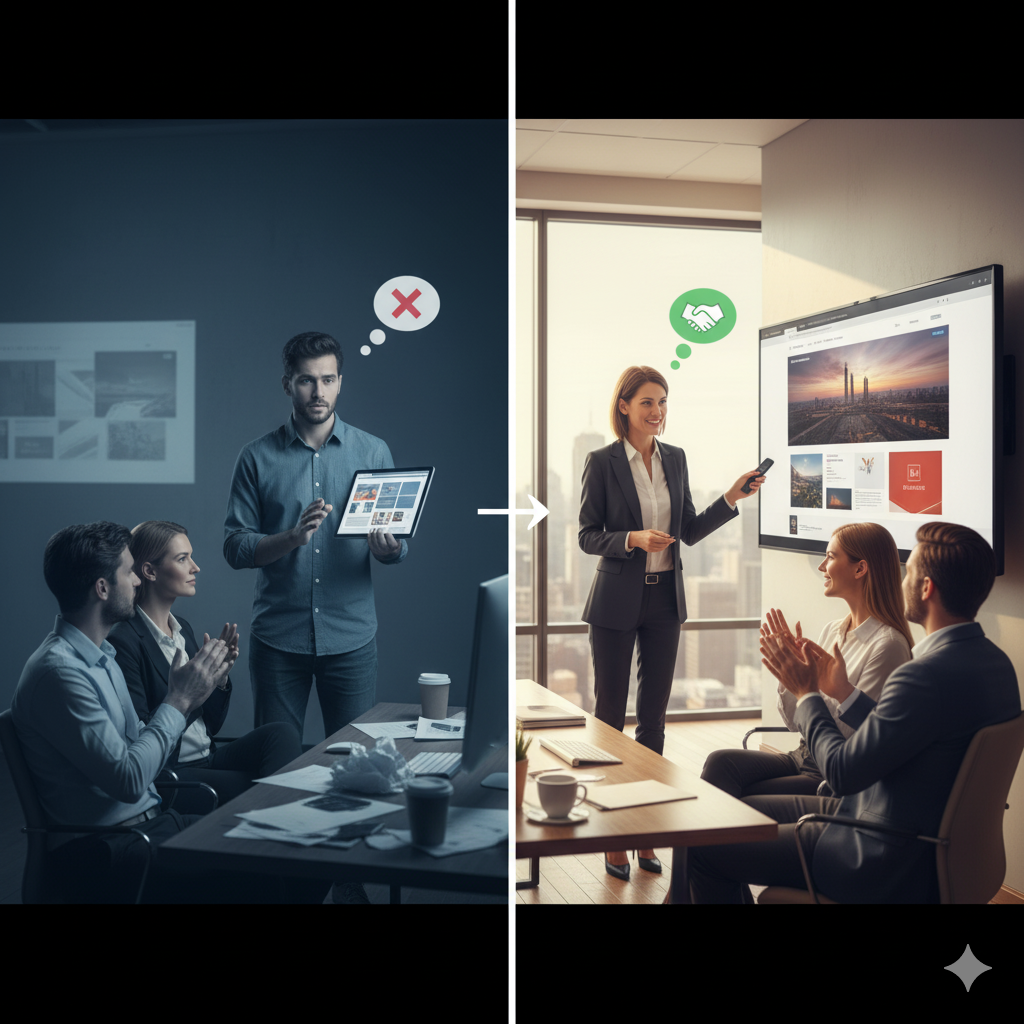

1 | Begin with Purpose: Why this presentation matters
When you sit down (virtually or in person) to show your web design work, you’re doing more than showing pretty pages. You’re creating a shared vision, building trust, and positioning yourself as the expert partner. According to guidelines for client-presentations, the opening minutes set the tone of professionalism. Indeed+2InstantShift+2
Start with a short statement about your client’s business, the problem you’re solving and how this design serves their goals. That immediately frames your work as strategic—not just aesthetic.
Quick checklist before you start:
- Have you reviewed the project objectives again (yours and the client’s)?
- Is your presentation space prepped (slides, links, device, notes)?
- Are you confident to operate the tools (screen share, remote, projector)?
- Do you have time allocated for questions and feedback?
2 | Remind of the Discovery & Strategy Phase
Before diving into visuals, it’s wise to revisit what you learned from the client: their brand, target audience, business goals, current challenges and technical constraints. This reinforces that the design is built on foundations—not just taste. For instance, communication experts recommend a formal discovery process to gather goals and user data. siteswan.com+1
Use headings like: “What we learned”, “Who we’re designing for”, “What success looks like”.
This stage helps the client feel aligned and reminds them of the criteria you’re addressing.
Need Help With Your Marketing or Website?
Not getting enough leads or sales? Get a free consultation and discover how to improve your website and marketing.
- Find out what may be stopping visitors from contacting you
- Discover where your website or marketing could perform better
- Get clear recommendations to improve leads, calls, and conversions
3 | Explain Your Design Process – step by step
Clients appreciate transparency. Lay out your workflow: research → wireframes → prototypes → high-fidelity design. Show the turning points where decisions were made. According to a guide, describing each phase and how the insight informed the design strengthens the presentation. InstantShift+1
Include slides or visuals like: mood boards, competitor snapshots, sketches/wireframes, key user-flows.
Then mention how you moved from these to your design choices (e.g., colour palette, typography, layout strategy, mobile responsiveness).
This gives the client context for how you reached the final design—not just “here it is”.
4 | Show the Visuals – the fun part
Now reveal the design. But do it smartly:
- Present two or three well-thought concepts rather than overwhelming with many. The “rule of three” is helpful. Design Shack+1
- Use device mockups (desktop, tablet, mobile) so they see how it behaves across platforms. Mockuuups Studio+1
- Show details: how the homepage flows, how internal pages look, how CTAs behave, how interaction or animation works.
- Name each concept: “Concept A – Bold & Modern”, “Concept B – Minimal & Elegant”. Naming adds a memorable anchor. (from experience:
“Give each concept a name … If you can’t name the concept then there is no idea there.” Reddit )
5 | Link the Design Decisions to Business Value
Don’t stop at “this looks good”. Explain why each design decision matters for the client’s business:
- “We used this bold header to capture first-time visitors’ attention and reduce bounce rate.”
- “We placed the ‘Book Now’ CTA above the fold to increase conversions because data shows users don’t scroll.”
These kinds of statements show you’re solving problems, not just styling them. As one article says: “What tasks the site performs … is another thing the designer should remind the client of during the presentation.” Medium
Also avoid overly technical language. If you do use a term like “wireframe” or “UX heuristic”, define it in simple terms. Design Shack
6 | Control the Format & Environment
A smooth delivery is as important as the content. Whether in-person or online:
- Test the tech (microphone, screen share, visuals).
- Avoid sending a link ahead without context — a live walkthrough or properly annotated recordings keep the momentum. Mockuuups Studio+1
- Plan pauses for questions. Rather than save all questions for the end, invite interactive comments in between. This keeps attention high. Design Shack
- Have backup formats: a PDF version of the deck, shareable Figma preview, or a recorded video in case of tech issues.
- Establish next steps: “We’d like your feedback by X date”, “Once approved we can begin development”, etc.
7 | Solicit and Manage Feedback Smartly
Feedback is the place where good projects become great — if handled properly. Here’s how to keep it productive:
- Set a feedback deadline. Clients appreciate structure. InstantShift
- Ask for specific, actionable feedback rather than vague responses (“I don’t love it” is far less useful than “Could we change the hero image or make the CTA blue?”). siteswan.com
- Actively listen. Take notes. Repeat back what you’ve heard to confirm you understood. GoDaddy+1
- Remind the client of the project scope and process for handling “change requests” or scope creep. This helps avoid endless revision loops. siteswan.com+1
8 | Cover the Delivery & Next Steps
Once the client has agreed to a concept, outline what follows:
- Timeline: design refinements, sign-off, development, testing, launch.
- Deliverables: assets you’ll hand over (source files, style guide, mobile versions, CMS access).
- Responsibilities: what you will do, what the client must provide (content, images, review time).
- Support and maintenance: who handles updates after launch, and how future work will be managed.
Being clear here differentiates you from designers who treat presentation as “done” after showing visuals. It keeps the momentum going and sets client expectations realistically.
9 | Wrap Up with Story & Confidence
End your presentation by circling back to the initial goals. Remind the client:
- “Here’s how we started → here’s where we are → here’s what this design achieves.”
- “The business advantage is X, Y and Z — stronger brand presence, better user engagement, faster load times, improved conversion.”
- Then confidently ask: “What are your thoughts? Are you ready to proceed with this direction?”
As one designer said:
“When I first started … I would often miss out on the most crucial thing — explaining my ideas and concepts.” Reddit
You’ve done the work; now deliver it as the expert.
10 | Post-Presentation: Follow-through
The meeting doesn’t end when you close the laptop. Follow-up shows professionalism:
- Send a summary email: what was discussed, what was agreed, next steps and deadlines.
- Attach the slide deck or design links for their reference.
- Document and track revisions; keep version control.
- After the project completes, ask for a short testimonial or case study. A strong portfolio builds more business. Elementor+1
Final Thoughts
Presenting a web‐design project professionally isn’t about flashy slides or ultra-polished visuals (though those matter). It’s about creating clarity, showing strategic alignment to business goals, guiding your client through the “why” behind the design, and delivering with confidence and structure.
If you walk into your next client presentation with the mindset: “I’m a trusted advisor, not just a designer showing pretty pages”, you’ll stand out—and your clients will feel the difference.
Feel free to let me know if you’d like a customizable slide deck template to go with this guide or examples included for specific types of websites (e-commerce, service-based, portfolio) and I’d be glad to build one.


