
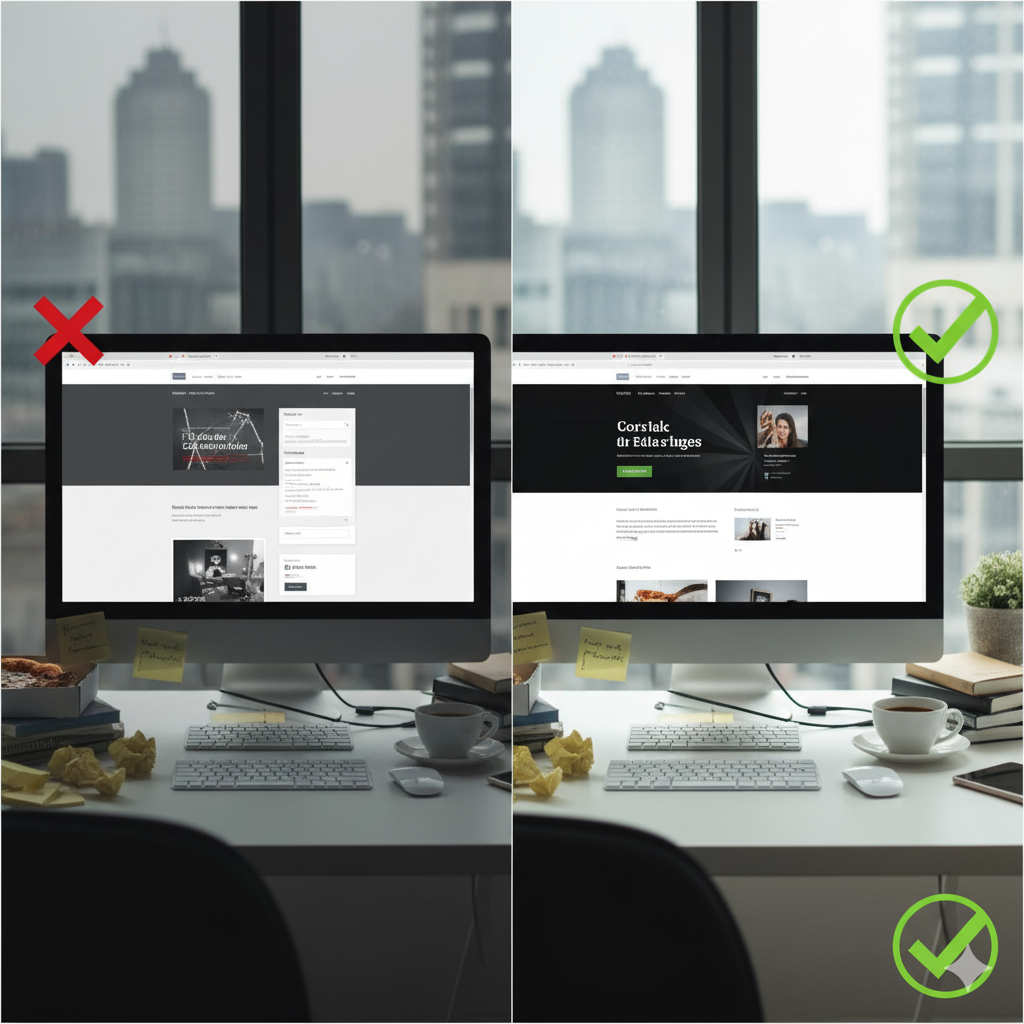

A well-designed website is no longer optional—it's the foundation of every successful online business, whether you're running a personal brand, an e-commerce store, or a service-based company. Yet even the best-intentioned website owners run into familiar design problems that hurt user experience, search rankings, and conversions.
The good news? Many of these issues have quick, manageable fixes that don’t require a full redesign. Below is a practical, easy-to-follow guide to solving the most common website design problems that frustrate visitors and silently kill conversions every day.
Let’s dive into the 10 fast solutions that can help you instantly elevate your website’s performance.
1. Improve Slow Loading Speeds with Image Compression & Caching
Slow websites lose visitors—fast. In fact, most users leave if a site takes more than 3 seconds to load. The usual culprit? Oversized images, unoptimized scripts, and missing caching.
Quick Fix:
- Compress images using tools like TinyPNG or ShortPixel
- Enable browser caching
- Minify CSS and JavaScript
- Switch to a faster hosting plan if your site has outgrown your current one
A faster website not only keeps users engaged but also boosts SEO, making speed one of the most powerful design upgrades you can implement instantly.
2. Clean Up Cluttered Layouts with Clear Visual Hierarchy
Many websites overwhelm visitors with too much text, too many buttons, and inconsistent sections. This often leads to decision fatigue and high bounce rates.
Quick Fix:
- Embrace whitespace
- Group related content
- Use larger headings to guide users
- Reduce the number of competing calls-to-action
A clean layout makes your message easier to digest and improves user flow across all pages.
Need Help With Your Marketing or Website?
Not getting enough leads or sales? Get a free consultation and discover how to improve your website and marketing.
- Find out what may be stopping visitors from contacting you
- Discover where your website or marketing could perform better
- Get clear recommendations to improve leads, calls, and conversions
3. Fix Confusing Navigation with Simple, Predictable Menu Structures
Visitors shouldn’t have to guess where important pages are located. Complicated menus are one of the top reasons users abandon a website.
Quick Fix:
- Use simple, familiar labels (Home, Services, About, Contact)
- Limit your top-level menu to 5–7 items
- Add a search bar
- Create a clear footer navigation for secondary links
When navigation is intuitive, visitors are far more likely to stay longer and explore deeper.
4. Make Your Website Fully Mobile-Responsive
More than half of all web traffic now comes from mobile devices. A site that looks great on a desktop but falls apart on a phone can cost you a huge portion of potential customers.
Quick Fix:
- Use flexible grid layouts
- Test your site with Google’s Mobile-Friendly Tool
- Ensure buttons and forms are easy to tap
- Avoid elements that require zooming
Making your site mobile-friendly instantly expands your audience and improves usability.
5. Refresh Outdated Fonts & Colors for Better Readability
Poor typography or old-fashioned color schemes can make even great content feel unprofessional.
Quick Fix:
- Stick to 1–2 modern, readable fonts
- Use high contrast between text and background
- Keep paragraphs short and well spaced
- Choose a cohesive color palette that matches your brand personality
Readable, attractive text enhances your message and makes your website feel more trustworthy.
6. Increase Conversions with Clear, Action-Oriented CTAs
If your call-to-action buttons are vague, poorly positioned, or visually weak, visitors simply won’t take the next step.
Quick Fix:
- Use strong, benefit-driven action words (e.g., “Get Your Free Quote”)
- Make CTA buttons large and high-contrast
- Place CTAs in multiple strategic locations
- A/B test button colors and placement
Even small CTA improvements can significantly boost sign-ups, sales, and leads.
7. Reduce Bounce Rates With Better Above-the-Fold Content
Your above-the-fold section is your website’s first impression—and often the deciding factor in whether a visitor stays.
Quick Fix:
- Add a strong headline that explains your value in seconds
- Include a supporting subheading
- Use a single powerful image instead of a slideshow
- Place a CTA button within immediate view
This small section can determine the success of your entire site, so make it count.
8. Fix Broken Links & 404 Errors to Improve User Trust
Broken links create frustration and make your website look neglected. Fortunately, they’re one of the easiest design issues to fix.
Quick Fix:
- Scan your site with a broken-link checker
- Redirect old URLs to new pages
- Create a helpful, branded 404 page
A well-maintained website tells visitors you care about their experience.
9. Upgrade Low-Quality Images & Visual Elements
Blurry, pixelated, or generic stock images can instantly cheapen your website’s look.
Quick Fix:
- Replace low-quality images with high-resolution visuals
- Use original photos when possible
- Choose icons and graphics that match your style
- Ensure visuals are consistent across your site
Great visuals increase credibility and help users emotionally connect with your brand.
10. Improve Forms with Fewer Fields & Clear Instructions
Long, confusing forms often scare away potential leads. The smoother your forms, the higher your conversions.
Quick Fix:
- Ask only for essential information
- Add placeholder examples
- Use auto-fill where possible
- Break multi-step forms into smaller sections
Simple forms feel effortless—and effortless experiences convert.
Final Thoughts
You don’t need a full redesign to transform your website. These 10 quick fixes tackle the most common design problems that drive users away and lower conversion rates. By improving speed, navigation, visuals, mobile responsiveness, and user flow, you create a site that is not only beautiful but also functional and effective.
When users enjoy being on your website, they’re far more likely to trust your brand, engage with your content, and take action—and that’s the true power of smart web design.


