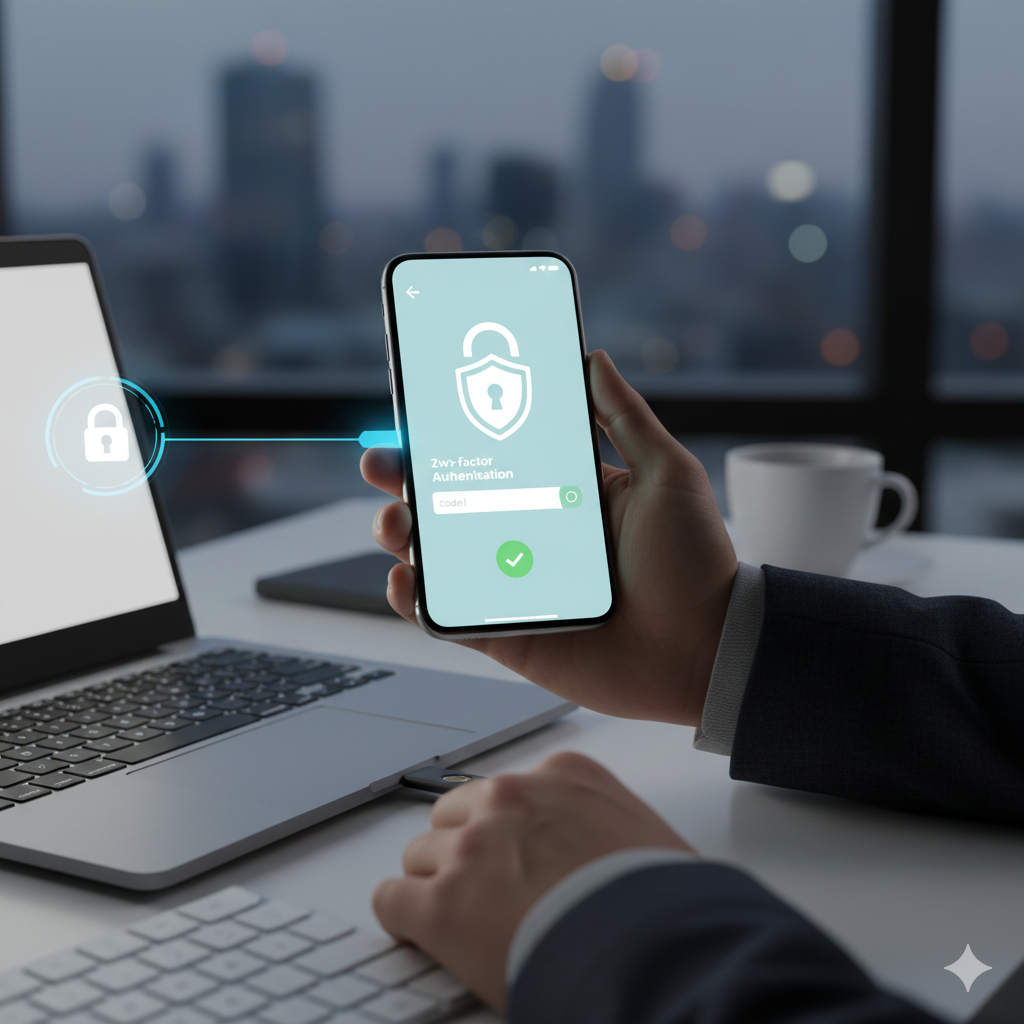

In today’s digital world, cybersecurity is no longer optional—it’s a necessity. Data breaches, identity theft, and online scams are rising every year, and cybercriminals are getting smarter, faster, and more sophisticated. Whether you are an individual managing personal accounts or a business owner handling sensitive customer information, protecting your digital identity has never been more critical.
This is exactly why Two-Factor Authentication (2FA) has become one of the most powerful and effective defense mechanisms available. It adds an extra layer of protection that can stop unauthorized access, even if your password is stolen. But beyond the basic definition, most people don’t truly understand why 2FA is so important—nor how it works behind the scenes.
This in-depth guide explores the importance of two-factor authentication, the different types you can use, and how 2FA dramatically reduces your security risks in an increasingly dangerous digital landscape.
What Is Two-Factor Authentication?
Two-Factor Authentication is a security process that requires two separate forms of identification before granting access to an account. Instead of relying solely on a password—which can be guessed, stolen, or leaked—2FA adds a second verification step.
These two factors typically fall into three categories:
- Something you know – a password or PIN
- Something you have – a phone, authentication app, USB security key
- Something you are – fingerprint, facial recognition, voice ID
By combining two of these, 2FA significantly reduces the risk of unauthorized access.
Why Passwords Alone Are No Longer Enough
Passwords used to be a reliable way to secure digital accounts—but not anymore. Today, cybercriminals have access to advanced tools such as:
- Phishing attacks that trick users into revealing passwords
- Keylogging malware that captures every keystroke
- Database breaches that expose millions of passwords
- Password-cracking algorithms that break weak passwords instantly
Even strong passwords are vulnerable if they are reused across multiple platforms. With billions of leaked credentials circulating online, relying on a password alone is the equivalent of leaving your front door unlocked.
2FA is the extra lock, alarm system, and surveillance camera all in one.
Need Help With Your Marketing or Website?
Not getting enough leads or sales? Get a free consultation and discover how to improve your website and marketing.
- Find out what may be stopping visitors from contacting you
- Discover where your website or marketing could perform better
- Get clear recommendations to improve leads, calls, and conversions
How Two-Factor Authentication Actually Protects You
Two-factor authentication acts as a powerful security barrier by requiring confirmation from a device or method that only you should possess. Here’s how it protects you:
1. Blocks Unauthorized Login Attempts
Even if a hacker gains your password through a phishing email or data breach, they still cannot access your account without the second authentication step.
2. Stops Automated Cyber Attacks
Bots and automated tools are constantly trying to access accounts using stolen credentials. With 2FA enabled, these attacks instantly fail.
3. Reduces Business Liability
Companies that use 2FA reduce the risk of leaks, account takeovers, and financial loss. It’s now considered a best practice for compliance in industries like finance, healthcare, and e-commerce.
4. Protects Sensitive Personal Information
Banking data, social media accounts, emails, cloud storage—these accounts contain personal details that can cause irreversible damage if compromised.
2FA prevents that.
**High-Value Long-Tail Heading:
How Two-Factor Authentication Helps Prevent Identity Theft and Account Takeovers**
Identity theft is one of the fastest-growing cybercrimes, and most cases begin with compromised login credentials. Once a criminal gains access to email or social platforms, they can reset passwords, steal financial info, or impersonate the victim.
Two-factor authentication makes it nearly impossible for attackers to complete this takeover process. Even if they know your password, they won’t have access to your physical device or biometric data.
Different Types of Two-Factor Authentication (Explained Realistically)
1. SMS-Based 2FA
A text message with a one-time code is sent to your phone.
Pros: Easy, widely available
Cons: Vulnerable to SIM swapping in rare cases
2. Authentication Apps
Apps like Google Authenticator, Microsoft Authenticator, and Authy generate rotating codes.
Pros: More secure than SMS
Cons: Requires setup and backup
3. Email-Based 2FA
A verification link or code is sent to your email.
Pros: Convenient
Cons: Less secure if your email is already compromised
4. Biometric Authentication
Fingerprint scans, facial recognition, or voice verification.
Pros: Highly secure and convenient
Cons: Requires supported hardware
5. Hardware Security Keys (U2F Keys)
A physical USB-like device used for verification (e.g., YubiKey).
Pros: One of the strongest 2FA methods
Cons: Can be lost or misplaced
Why Two-Factor Authentication Is Essential for Businesses
Today’s companies face constant cybersecurity threats. A single compromised employee account can expose confidential data, customer information, or internal systems.
2FA helps businesses by:
- Preventing unauthorized system access
- Reducing the risk of internal cyber threats
- Protecting financial assets and intellectual property
- Maintaining compliance with data protection laws like GDPR and HIPAA
Implementing 2FA across all employee accounts is no longer optional—it’s a strategic necessity.
**High-Volume Heading:
The Real Cost of Not Using Two-Factor Authentication in 2025**
Failing to use 2FA can lead to devastating consequences, including:
- Financial loss from fraudulent transactions
- Damage to reputation from compromised accounts
- Permanent loss of data
- Business downtime and recovery costs
- Legal penalties for failing to protect user information
Cybercriminals actively target accounts without 2FA because those accounts are the easiest to breach.
How to Enable Two-Factor Authentication on Popular Platforms
Most major platforms now offer 2FA, including:
- Google and Gmail
- Facebook, Instagram, and TikTok
- Amazon
- Banking and financial apps
- Email providers like Outlook and Yahoo
- Cloud storage services like Dropbox and iCloud
Setting it up usually takes less than five minutes—and it can save you from years of damage.
Best Practices for Using Two-Factor Authentication
To maximize its effectiveness:
- Always use an authentication app instead of SMS when possible
- Keep backup codes in a secure location
- Use hardware security keys for sensitive accounts
- Avoid sharing verification codes with anyone
- Update your phone number and recovery options regularly
These simple habits ensure your accounts stay protected even when technology changes.
Final Thoughts: 2FA Is Your First Line of Defense
Cybersecurity threats are evolving rapidly, but two-factor authentication remains one of the most reliable protection tools available. It adds a layer of security that hackers rarely overcome, keeping your personal and business information safe. In 2025 and beyond, enabling 2FA is no longer just a smart choice—it’s essential.
Whether it's your bank account, social media, online store, or email, protecting your digital identity begins with one simple step: Turn on two-factor authentication today.