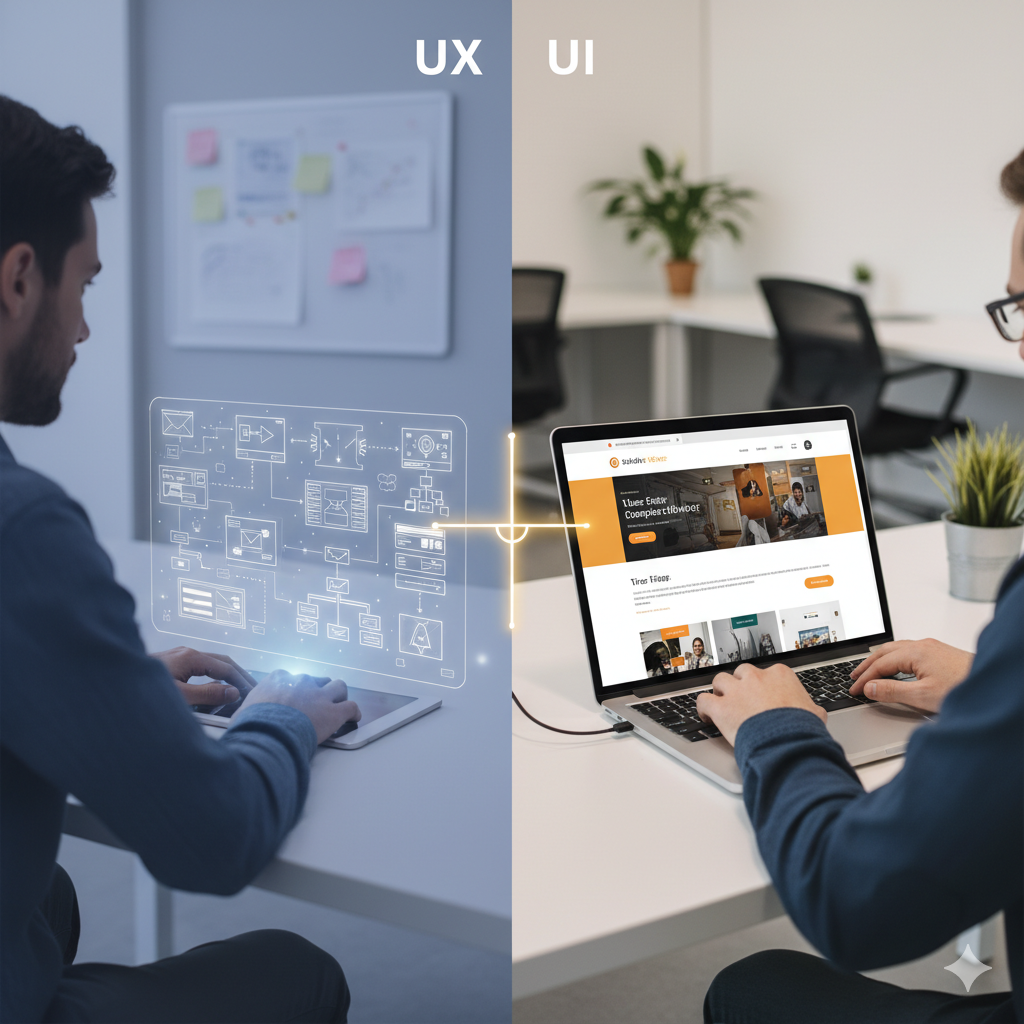

When you visit a website and everything “just works” — you find what you need, the buttons respond, the layout feels intuitive — you’re experiencing effective user experience (UX) design. But when you pause, look at how clean the buttons are, how the colours, typography and spacing all feel aligned and inviting, you’re appreciating user interface (UI) design.
In the realm of web development, these two disciplines — UX and UI — often overlap, but they are not the same. Understanding the difference is crucial for anyone building or managing a website: designers, developers, product owners and business stakeholders alike.
Below, we’ll unpack their definitions, explore how they differ, look at how they collaborate in web development, and share actionable best practices to help you get both right.
1. Defining UX: “How the user feels and navigates”
At a high level, UX (user experience) concerns how users interact with your site or application — how easily they achieve their goals, how useful and satisfying the experience is. As one definition puts it, UX is about “the user’s overall experience with the product or website.” Indeed+2webflow.com+2
Key aspects of UX design include:
- Researching user needs, behaviours and pain-points
- Drafting information architecture (how content is organised)
- Mapping user flows (how a user moves through the site)
- Wireframes and prototypes to test usability before full build out Figma+1
- Usability testing and iteration once a version is live
For example: If a user wants to sign up for a newsletter but the sign-up button is buried, the form is confusing or the process takes too many steps, that’s a UX problem.
2. Defining UI: “What the user sees and touches”
In contrast, UI (user interface) is primarily about the look, feel and interactivity of the product interface — the visual and interactive elements a user sees when engaging with the site. According to one source: UI refers to “the interactivity, look, and feel of a product screen or web page.” Figma+1
Key components of UI design include:
- Layouts: where elements sit on the screen (buttons, menus, images)
- Colour palettes, typography, iconography
- Visual consistency (branding, style guides)
- Interactive elements (hover states, animations, transitions)
- Responsiveness: how design adapts for mobile, tablet, desktop
So, if a website uses colours that clash, fonts that are hard to read, buttons that look outdated or inconsistent – those are UI problems.
Need Help With Your Marketing or Website?
Not getting enough leads or sales? Get a free consultation and discover how to improve your website and marketing.
- Find out what may be stopping visitors from contacting you
- Discover where your website or marketing could perform better
- Get clear recommendations to improve leads, calls, and conversions
3. UX vs UI: How they differ (and why business owners should care)
It helps to look at their differences side-by-side:
| Feature | UX | UI |
|---|---|---|
| Core focus | Making the entire journey of using the product smooth, intuitive and meaningful. Ester Digital Agency+1 | Making the interface visually appealing and interactive. Figma+1 |
| Process / Tasks | User research, flow mapping, wireframes, prototypes, testing | Visual mockups, style guides, interactive design, asset creation |
| Outcome | Is the website usable, does it meet user needs? | Is the website visually appealing, brand-consistent, easy to engage with? |
| Timing in workflow | Happens early: structure, architecture, usability decisions | Happens after or alongside: design of screens, states, visuals |
| Skill sets | Empathy, information architecture, prototyping, testing webflow.com | Graphic design, typography, layout, colour theory, micro-interactions |
To quote a clarity:
“UI is how it looks and UX is how it works.” Reddit
As a business owner or project lead, this matters because an attractive UI might attract users, but if the UX is poor they’ll leave. Conversely, a brilliant UX with a weak UI might fail to impress or reinforce brand trust. webflow.com+1
4. Where Web Development Comes In: Bridging design and code
Now let’s bring in web development — the process of building the website. While UX and UI are primarily design domains, web development turns those designs into a working product. According to one source:
“Web development deals with both the client-side and server-side of a website. UX and UI are specialisations within the field of web design.” nobledesktop.com+1
Here’s how they relate:
- UX designers define the structure: what pages, what flow, how users navigate.
- UI designers lay out the polish: visuals, interactions, branding.
- Web developers (front-end + back-end) build the site: HTML, CSS, JavaScript, frameworks; ensure it functions, is responsive, and accessible.
In practice, there’s collaboration: developers need to understand design specs; designers need to know what’s feasible in code. One article says:
“UX and UI are equally important. No matter how beautiful the UI is, without a strong UX, users will find the product unwieldy. And without a practical and pleasing UI, sites will look boring and unprofessional, losing engagement.” webflow.com
Therefore, when you commission a website or redesign, treat UX, UI and development as integrated parts of the process—not three separate silos.
5. Why overlooking one dimension causes problems (real-world risks)
Poor UX Risks
- High bounce rates: visitors leave quickly because they can’t find what they want or the flow feels confusing. developers.dev
- Low conversions: even if traffic arrives, if the path to an action is unclear they won’t convert.
- Frustration or brand damage: negative user experience affects how users perceive your brand.
Poor UI Risks
- Weak first impression: users judge credibility visually; sloppy UI can reduce trust.
- Inconsistent branding: looks unprofessional or uncohesive across pages/devices.
- Usability issues: poorly designed buttons or interactions can slow or block users.
Web development mis-alignment risks
- Designs that cannot be implemented: leading to compromises or broken experiences.
- Performance and accessibility problems: even a well-designed UI/UX suffers if the site loads slowly or fails on mobile.
- Maintenance headaches: lack of alignment with code standards, responsive design, testing.
6. Unified workflow: How to streamline UX + UI + Web Dev for a high-impact website
Here’s a practical workflow you can adopt to ensure integration and excellence at each stage:
Step 1: Discovery & research
- Identify your target users: their goals, pain points, context.
- Define business goals: what you want the website to achieve.
- Audit existing site (if applicable): what works, what doesn’t.
Step 2: UX planning
- Create information architecture: sitemap, navigation, content hierarchy.
- Map user flows: how a visitor moves from entry-point to goal (e.g., purchase, signup).
- Develop wireframes: low-fidelity layouts without final visuals to test structure.
Step 3: UI design
- Develop mood board/style guide: colours, typography, icons, imagery.
- Create high-fidelity mockups: for key pages, final look and feel.
- Define interactive states: hover, click, focus, animations.
Step 4: Development hand-off & build
- Developers receive design specs + assets.
- Front-end builds UI: HTML/CSS/JS, responsive layout, interactive elements.
- Back-end integrates logic, database, server-side functions.
- Performance & accessibility tested.
Step 5: Testing & iteration
- Usability testing with real users: observe behaviours, refine.
- UI review: check consistency, brand alignment.
- QA & performance testing: speed, mobile responsiveness, browser compatibility.
- Launch and monitor metrics: bounce rate, conversion, user feedback.
Step 6: Continuous optimisation
- Use analytics to spot friction points (e.g., pages with significant drop-off).
- A/B test UI variants (button colours, layout changes) to optimise conversions.
- Update UX flows based on new user behaviour or changing device standards.
7. Key take-away for business owners & project leads
- Treat UX as foundational: it shapes the user’s entire journey and determines whether they achieve their goal efficiently.
- Treat UI as empowering: it enhances that journey through visual appeal, brand trust and engaging interactions.
- Recognise that web development is not just “coding what the designers drew” — it’s the bridge that connects design intention with real-world performance and usability.
- When selecting a team or vendor, ask about their process for UX research, UI design system, and how they ensure design becomes a fast, accessible, responsive, maintainable website.
- Avoid siloing: when UX, UI and development work in isolation, the final product may feel disjointed, slow, or inconsistent.
- Pick metrics: define what success looks like (lower bounce rate, higher conversion, faster page-load, mobile engagement) and track them after launch.
8. Future trends: Where UX, UI and web development are heading
- Voice-UI & conversational interfaces: UI will evolve beyond screens; UX will centre around voice/gesture flows.
- Micro-interactions and animated feedback: subtle UI touches — loading animations, hover effects — will increasingly matter for engagement.
- Inclusive & accessible design: UX must factor in users with disabilities; UI must support accessibility guidelines (WCAG).
- Performance as design: faster loading, minimal animations, efficient code — UI and development merge with UX in real-time experience.
- Unified design systems: reuseable components for UI; combined with UX patterns for flow consistency across platforms.
9. Final thoughts: Making your website truly user-centred and brand-worthy
You could think of UX as the roadmap and UI as the vehicle that takes the user down that roadmap in comfort and style. If the roadmap is missing or confusing, the car may drive you in circles. If the vehicle is flashy but the road is full of potholes — or the machine’s engine mis-fires — the ride is compromised.
By investing in both UX and UI, and aligning your web development process accordingly, you ensure that your website is not just pretty but also powerful. Users arrive, engage and convert. You build trust, brand consistency and measurable results.
Whether you’re launching a new site, redesigning an existing one, or simply refining your online presence — keeping the distinction (and interconnection) between UX, UI and development front-of-mind will guide you toward superior outcomes.